A note within reach
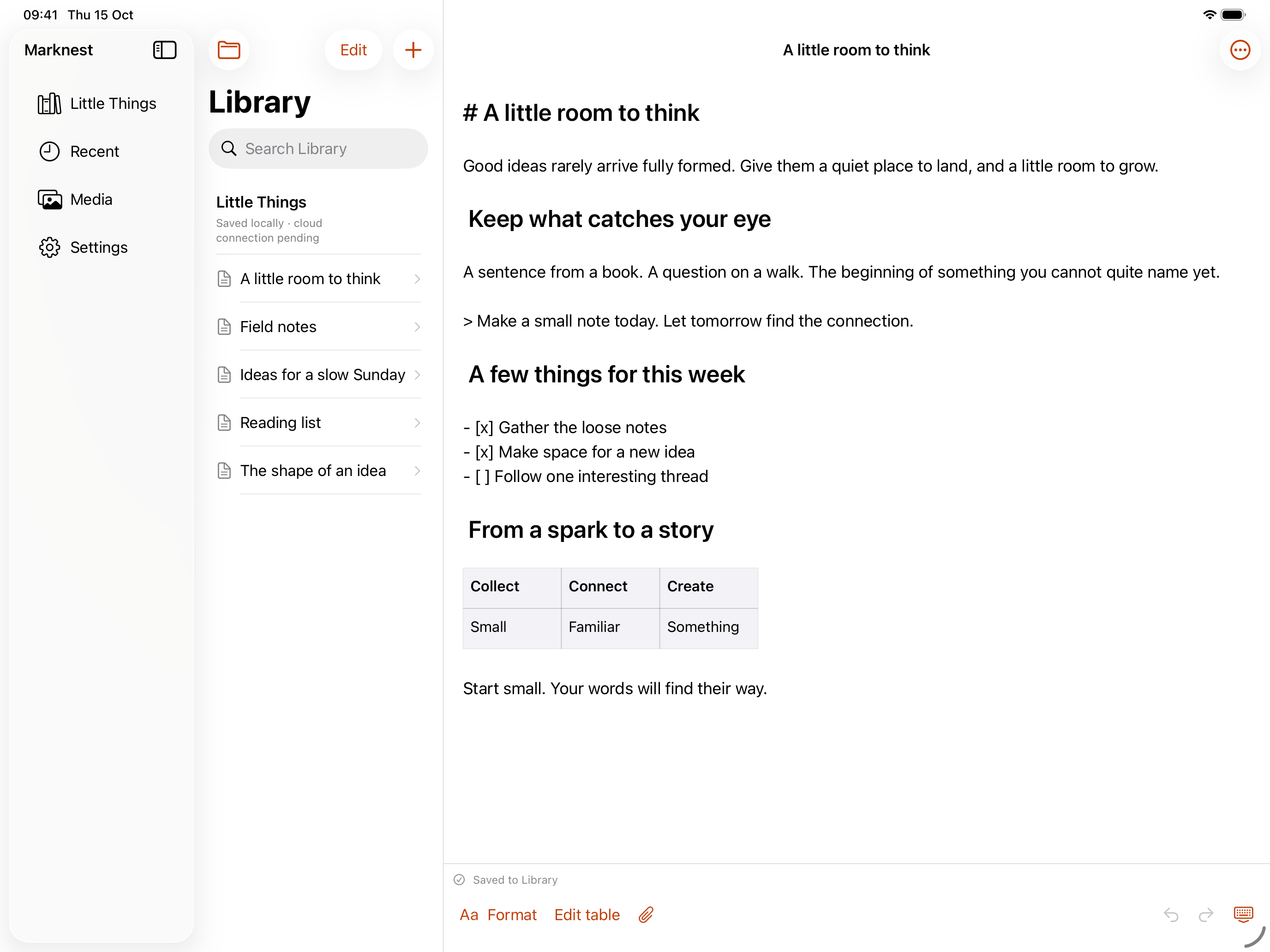
Browse folders and recent notes. Search your Library and return to the thought you were working on.
Markdown for iPhone and iPad. Capture a thought, return to a note, and keep your writing in a Library you choose.
Start writing on the web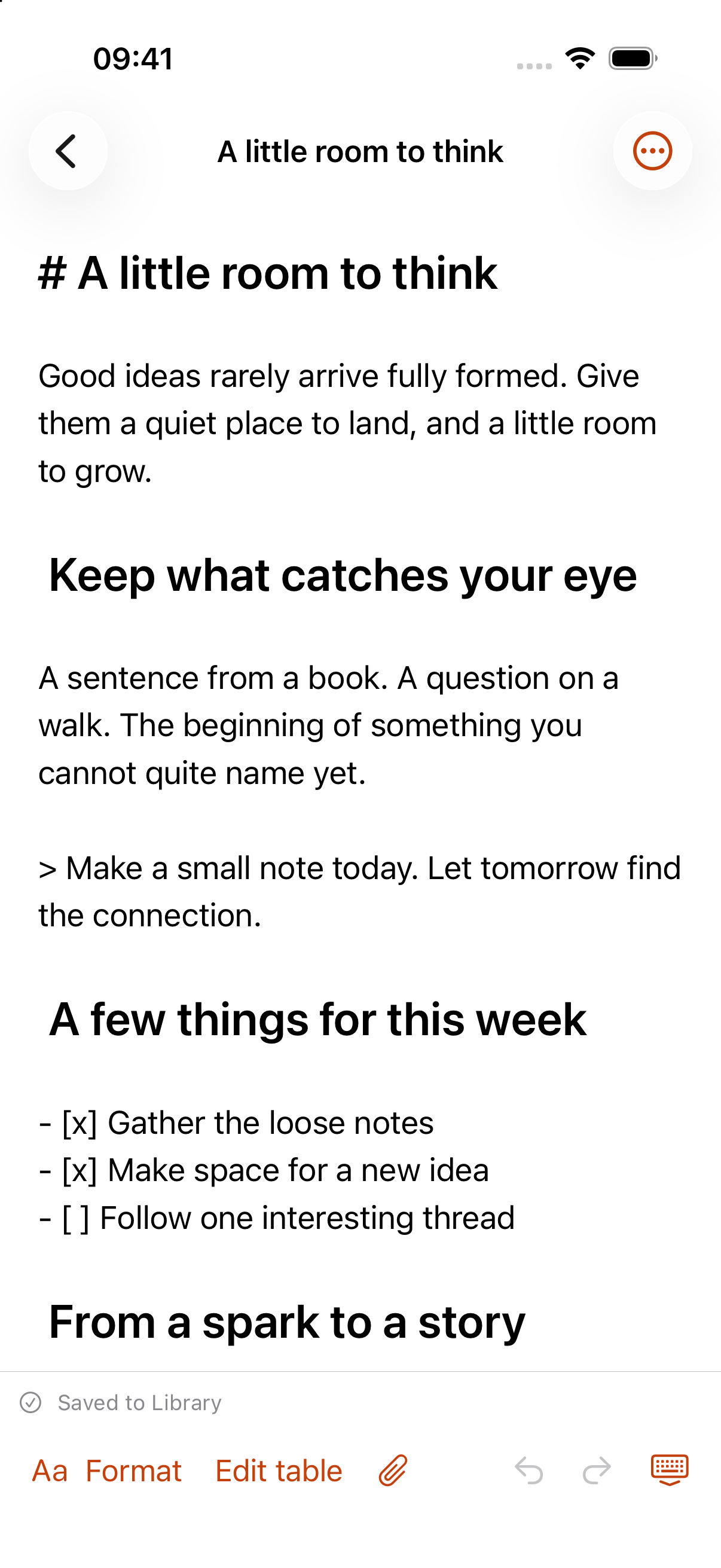
We are preparing the app for release. Download links and compatibility details will appear here when it is available.
Browse folders and recent notes. Search your Library and return to the thought you were working on.
Write headings, tables, code, and frontmatter. View images and Mermaid diagrams alongside your words.
Keep Markdown and attachments in a local Library. Open local files and choose what to copy into your collection.
Use iPhone for a thought on the move. On iPad, a wider Library and editor layout gives longer notes and their attachments more space.
Notes and attachments already downloaded to your Library remain available offline. Content that has not been downloaded still needs a connection.
Notes and attachments already downloaded to your Library remain available offline. Content that has not been downloaded still needs a connection.
A connected Library brings your cloud documents and media into the app. Local edits are saved before delivery, and conflicting changes remain available for review.
Use the web Dashboard for sharing controls, billing, and cloud version history. Native apps focus on writing, your Library, and local files.
The app is preparing for release. This page will link to the official distribution channel when it is ready.
An account connects the app to your MarkNest Library. Once your Library is set up and its content is downloaded, you can keep writing offline.
Each device uses its own Library and connects through MarkNest. Concurrent editing of one shared provider folder is outside the supported workflow.
Your cloud plan controls storage and cloud features. App availability and any app-specific pricing will be confirmed at release.
The web workspace is available while we put the finishing touches on the native apps.