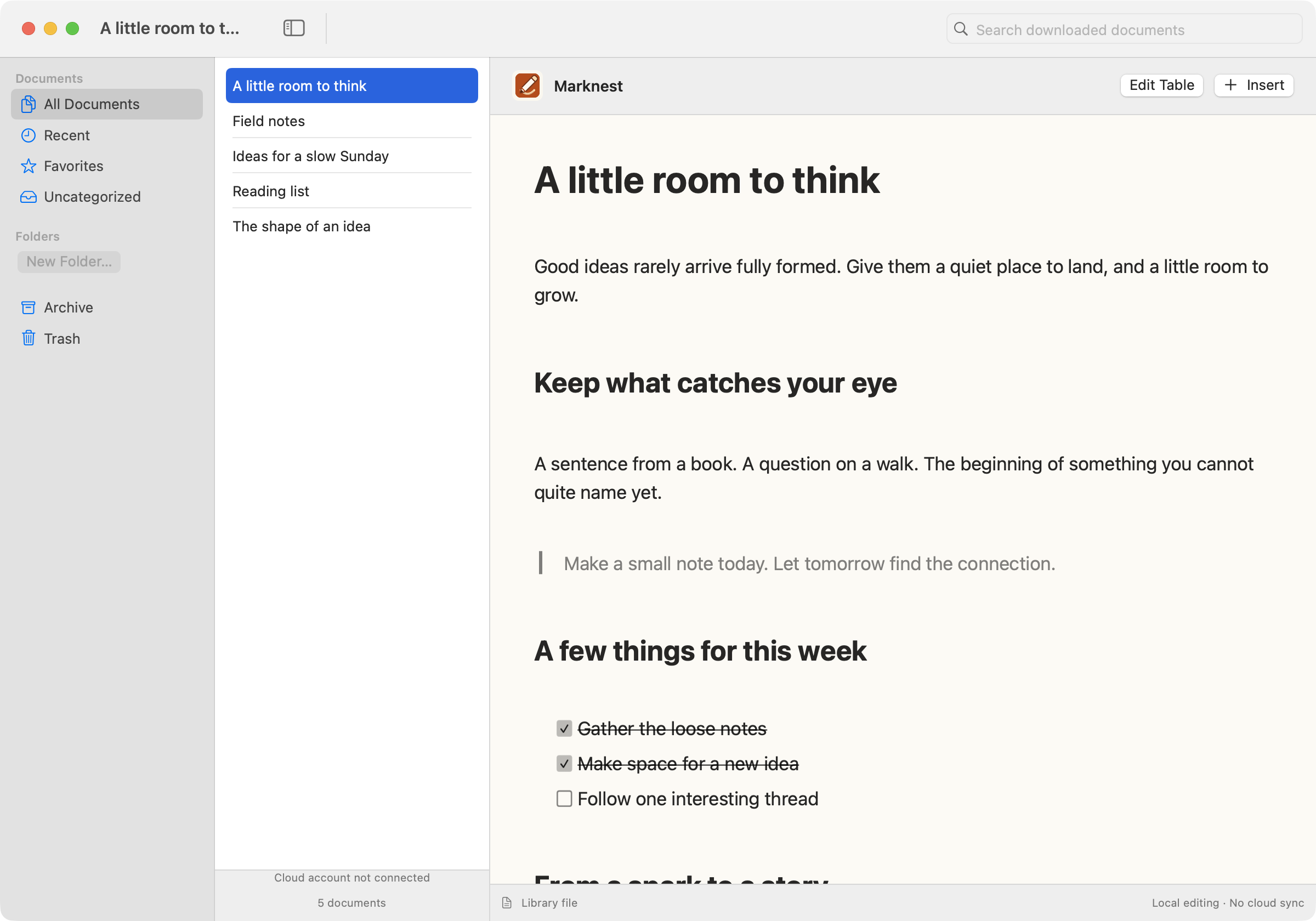
MarkNest for Mac
Preparing for releaseSettle into a native workspace for Markdown, local files, and longer thoughts.
Explore Mac
 Encrypted Markdown workspace
 A focused dual-pane editor with at-rest encryption, version history, sharing controls, and a REST API.
One workspace for writing, organizing, securing, and shipping your Markdown.
Write on the left, watch it render on the right. A distraction-free editor that keeps you in flow.
Your document body and every saved version are stored with AES-256 encryption. Private by default.
Nested folders, color icons, tags, and automatic version history on every change.
Uploads convert to WebP and fit a web budget, so shared pages stay fast.
MarkNest turns your Markdown into a queryable knowledge base. Every document is chunked, embedded, and indexed, so an AI assistant can pull the exact passage instead of guessing.
A focused space on Mac. A thought captured on iPhone. More room to work on iPad. Native apps are on their way.
Settle into a native workspace for Markdown, local files, and longer thoughts.
Explore Mac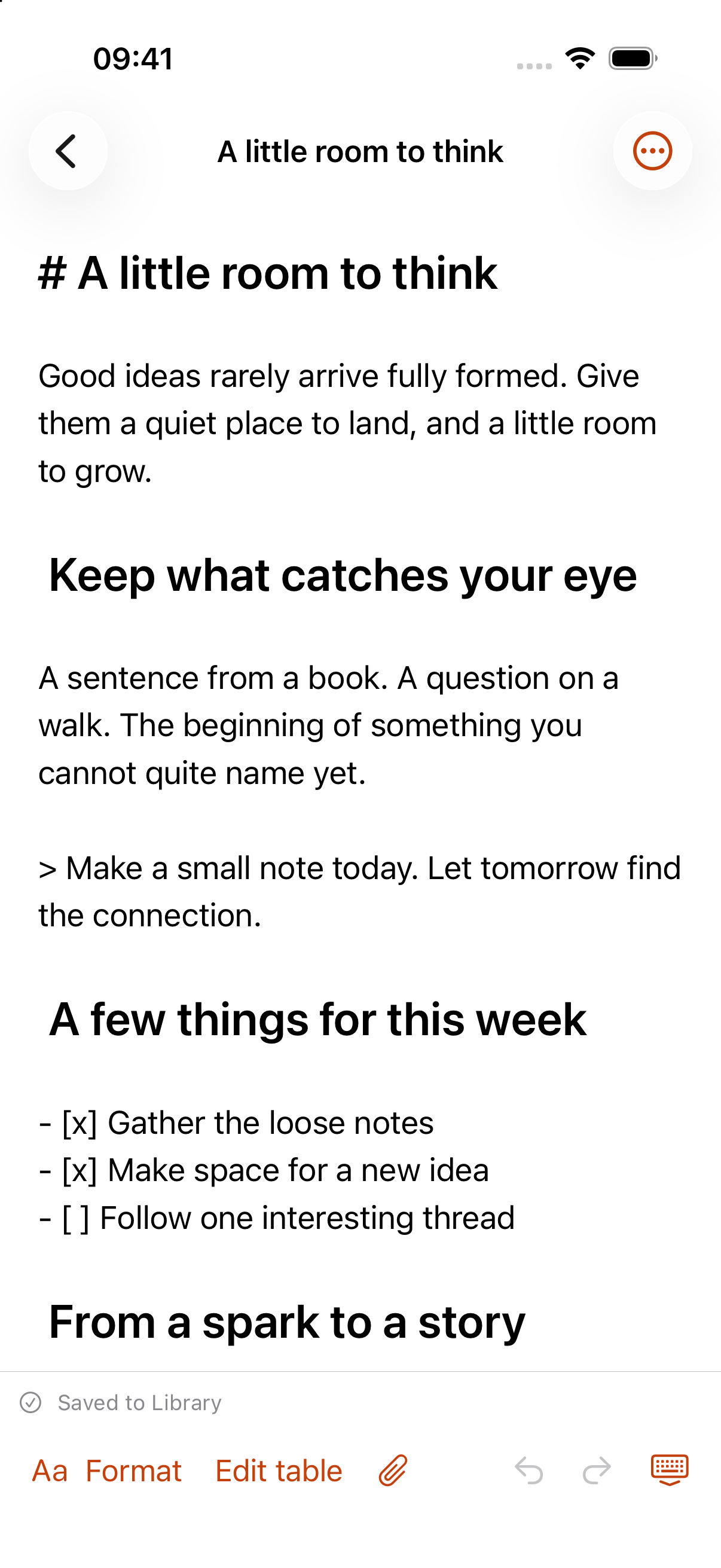
Keep notes close, from a quick thought on iPhone to a longer session on iPad.
Explore iPhone & iPadPublish a document or hand off a single file with a link you control. Every link carries its own access rules, and you can revoke it any time.
Explore sharing controls →Lock a link behind a passphrase.
Auto-revoke access after a set time.
Cap how many times a link opens.
Toggle saving and copying per link.
Mark shared pages as yours.
Restrict access to named recipients.
MarkNest encrypts your writing at rest with AES-256. Encryption is transparent: you just write, and the protection comes built in.
How encryption works →Raw Markdown is encrypted before it touches the database.
The cached render is encrypted alongside the source.
Each saved revision in your history is encrypted too.
Connect ChatGPT, Claude, or any MCP-ready assistant. Ask once, and a conversation summary lands in the right workspace with folders, tags, and files attached.
Read and write documents, folders, tags, files, and run semantic search over MCP.
Saved with titles, folders, tags, and attachments ready to review.
Save our discussion above into MarkNest.
{
  "title": "MCP integration discussion",
  "folder": "AI Notes",
  "tags": ["mcp", "meeting-notes"],
  "format": "markdown"
}Saved to MarkNest as "MCP integration discussion". Your recap is ready with folders, tags, and source context attached.
MarkNest turns your Markdown into a queryable knowledge base. Every document is chunked, embedded, and indexed, so an AI assistant can pull the exact passage instead of guessing.
Vector cosine over pgvector plus keyword leg over Meilisearch, fused with Reciprocal Rank Fusion.
marknest_search_chunks and marknest_get_chunk, gated by the rag:read API key ability.
Find what I wrote about pgvector HNSW indexes.
{
  "query": "pgvector HNSW index",
  "limit": 5
}Top match: "Roadmap 11 — pgvector chunking" → "HNSW index for cosine similarity over 1536-dim embeddings, tuned for recall at low cardinality."
Authenticate with a scoped API key and read or write documents, folders, tags, and files from any workflow. Fine-grained abilities keep each key to exactly what it needs.
curl -H "Authorization: Bearer mk_your_api_key" \
https://your-domain.com/api/v1/documentsStart free, upgrade when you're ready to share, automate, and grow.
Your ideas deserve a calm, private sanctuary. Start writing in minutes.
Start writing free